

Putting a chatbot on your website doesn't make you an AI-powered business.
It makes you a business with a chatbot. That might be useful. But if your staff still spends hours retyping information and searching documents, there may be better places to start.
Key takeaways
- Choose a task before choosing the AI.
- Keep review where a mistake would matter.
- Measure usefulness, not novelty.
Start with the task everyone avoids
Reading a long enquiry. Finding the right internal document. Preparing a summary before a call. These are specific tasks you can test, instead of announcing an AI transformation and hoping the value appears.
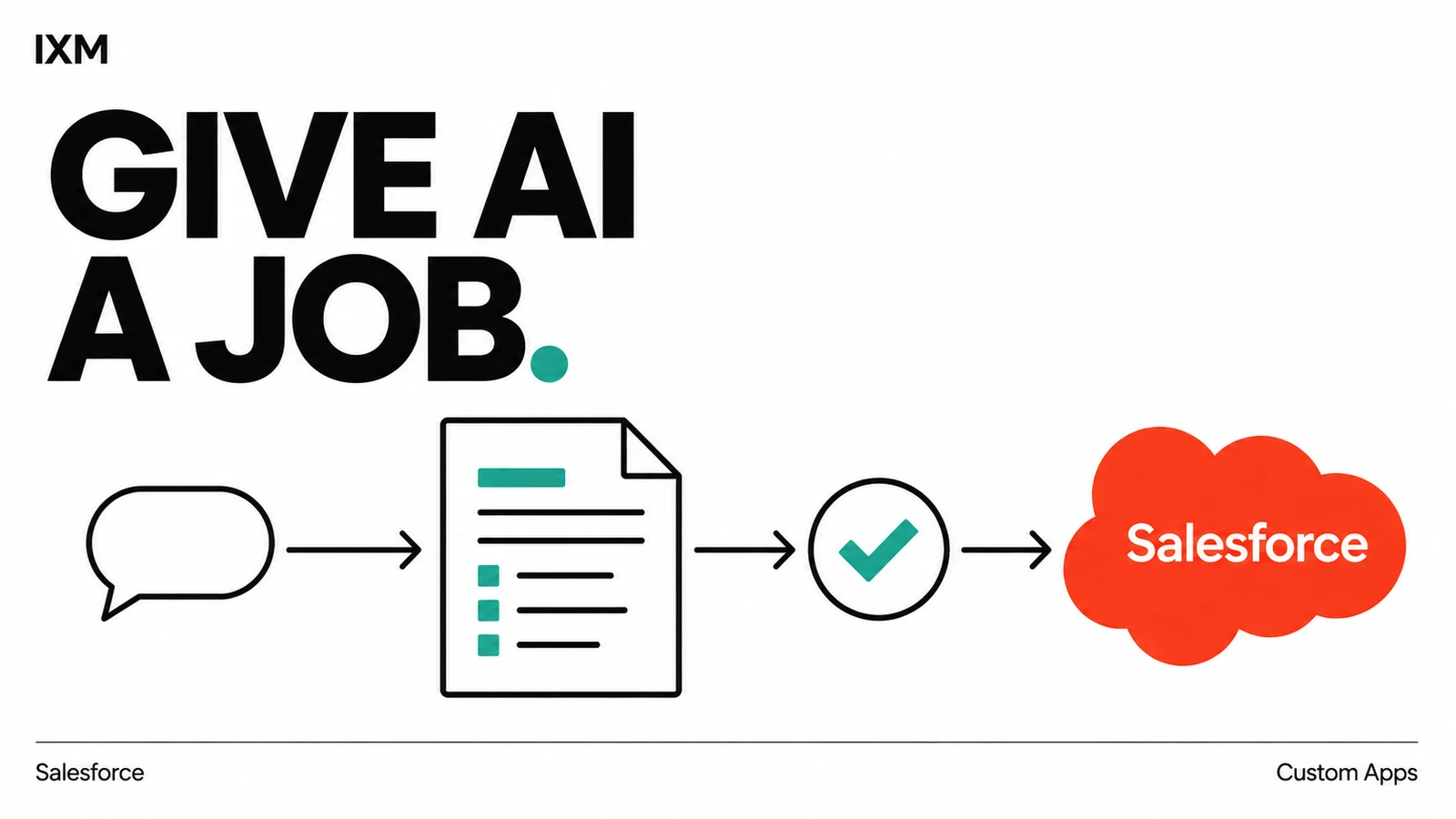
For example, AI could draft an enquiry summary inside your CRM. A person checks it, corrects it and decides what happens next. Compare the time saved with the checking it still needs.
Put it where people already work
IXM supported Essence Consulting by embedding AI into Salesforce and setting up custom apps around internal workflows. The work focused on the system the team used day to day.
For a business considering AI integration in Trinidad and Tobago, that is a useful starting question: where would assistance actually save someone a step?
Make it earn its place
Decide what information the tool may access, who reviews its output, and what happens when it cannot produce a useful answer. Test it against real examples before relying on it.
Which task would you happily stop doing tomorrow? That is a better brief than 'we need AI.'
Quick audit
- Can you name the task in one sentence?
- Who checks the output before it affects a customer?
- How will you measure time saved and corrections needed?
Sources used