

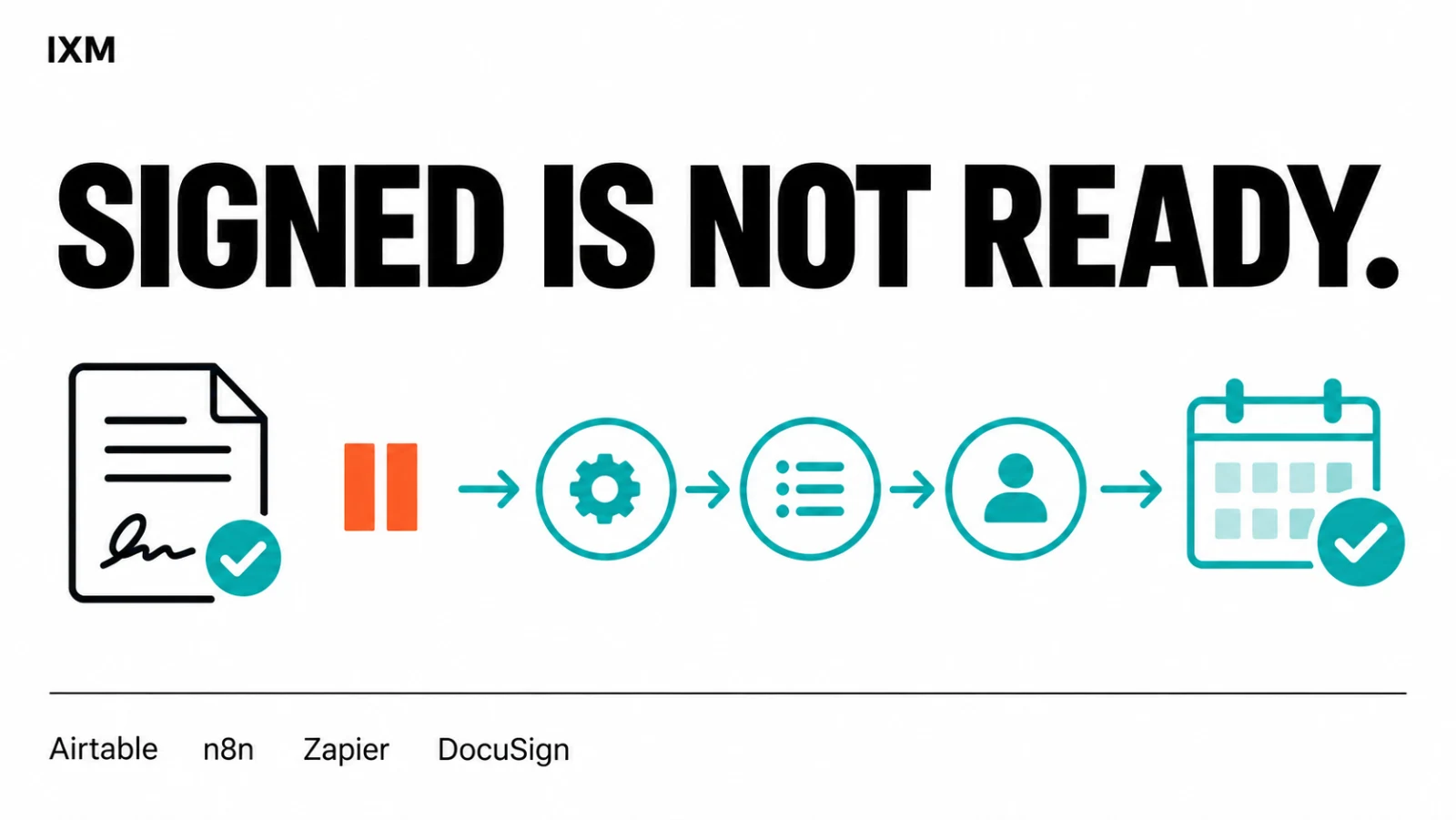
A signed contract isn't an onboarded provider.
The contract is signed. Great. Can the person actually start? Not if their account is still waiting on someone, their forms are incomplete and nobody has booked training. A welcome email doesn't fix that.
Key takeaways
- A signed contract is one milestone, not the finish line.
- Check the current record before sending another reminder.
- Make blocked steps visible to the people who can resolve them.
The work starts after the signature
IXM's project work for a US telehealth team connected provider onboarding across Airtable, n8n, Zapier, DocuSign, Gmail, Slack and Google Calendar. Airtable held the onboarding records; the workflows handled specific steps around them.
An accepted candidate's working state determined which contract template to send. A completed DocuSign envelope updated the Airtable record and triggered the next onboarding form. Calendar bookings fed screening and training statuses back into the tracker. These were separate milestones, not one optimistic 'done' checkbox.
Don't chase someone who already did it
One documented follow-up waited 48 hours, then checked whether the onboarding form had been submitted before sending a reminder. Another checked account-creation status before nudging management.
That distinction matters. 'Wait two days, send email' is a timer. 'Wait, check what's changed, then act' is a workflow that respects the person receiving it.
Make the stuck parts impossible to miss
The project also included Slack alerts for account-setup complications, milestone updates and daily and weekly onboarding summaries. Staff could see where attention was needed without opening every record.
An account marked 'complication' needs attention, not another cheerful welcome email. That is why the exceptions belong in the design too. People still handle the problem; the system helps make sure they know about it.
Your next hire shouldn't need a personal chaser
For teams in Trinidad and Tobago, the useful lesson isn't to copy a telehealth process. It's to map your own gap between 'accepted' and 'ready': documents, access, training, approvals and scheduling.
IXM builds the connections around those steps. Start with the one that keeps leaving someone waiting. Give it a clear status, a check before follow-up and a person responsible when it gets stuck.
Quick audit
- What must actually be complete before someone can start?
- Does each reminder check whether the task is already done?
- Who sees a blocked step, and who can resolve it?