

Is your online store making customers work too hard to buy?
You want to buy one item. First you have to work out its size, ask about delivery, and message the shop to find out whether it is in stock. At that point, what is the website doing?
Key takeaways
- Use categories customers understand.
- Show delivery and product details early.
- Test the complete mobile purchase.
Shop without knowing the product name
Choose an item and try to find it using the words a customer would use. Your stockroom labels may make perfect sense to staff and none to a first-time buyer.
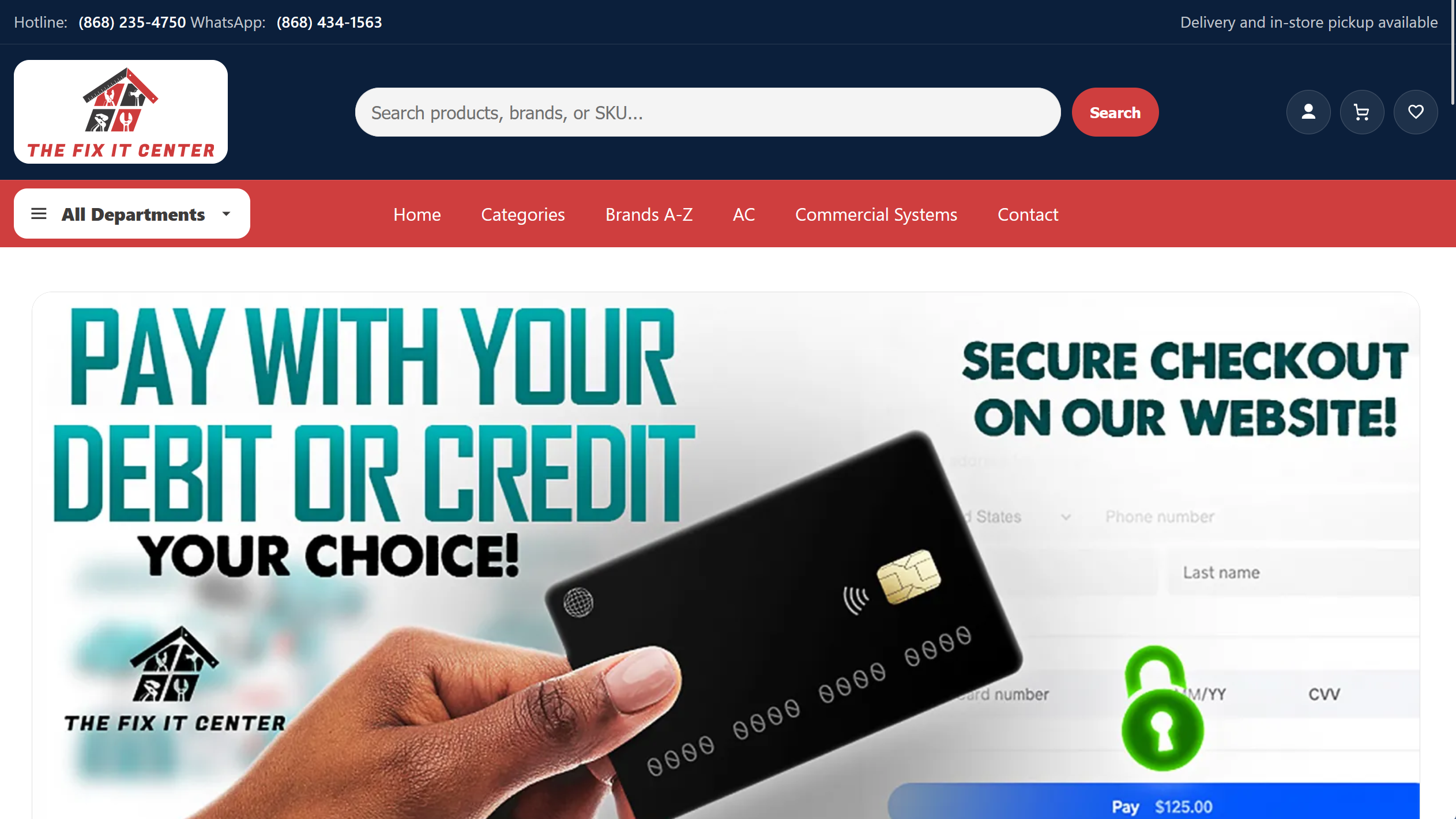
Clear categories and useful filters help people narrow the choice. IXM's work for The Fix It Center includes a catalogue-led shopping experience, where finding the right product is part of the job.
Answer the question before checkout
Show the price, relevant dimensions or options, availability, delivery area and collection choices. Explain how customers can get help with returns.
For a local store, knowing whether an order can be delivered to the customer's area may matter more than another product photograph. Don't leave that discovery until the last screen.
Try buying on your phone
Find the item, choose a variation, check the delivery cost and complete checkout in your store's test payment mode. Record every place you hesitate or need another screen.
A useful fix might be a clearer size selector or an earlier delivery estimate. Start with the point that actually interrupted the purchase.
Quick audit
- Can a first-time buyer find the product?
- Are variations and availability clear?
- Can shoppers see delivery costs before committing?
- Does test checkout work on a phone?