

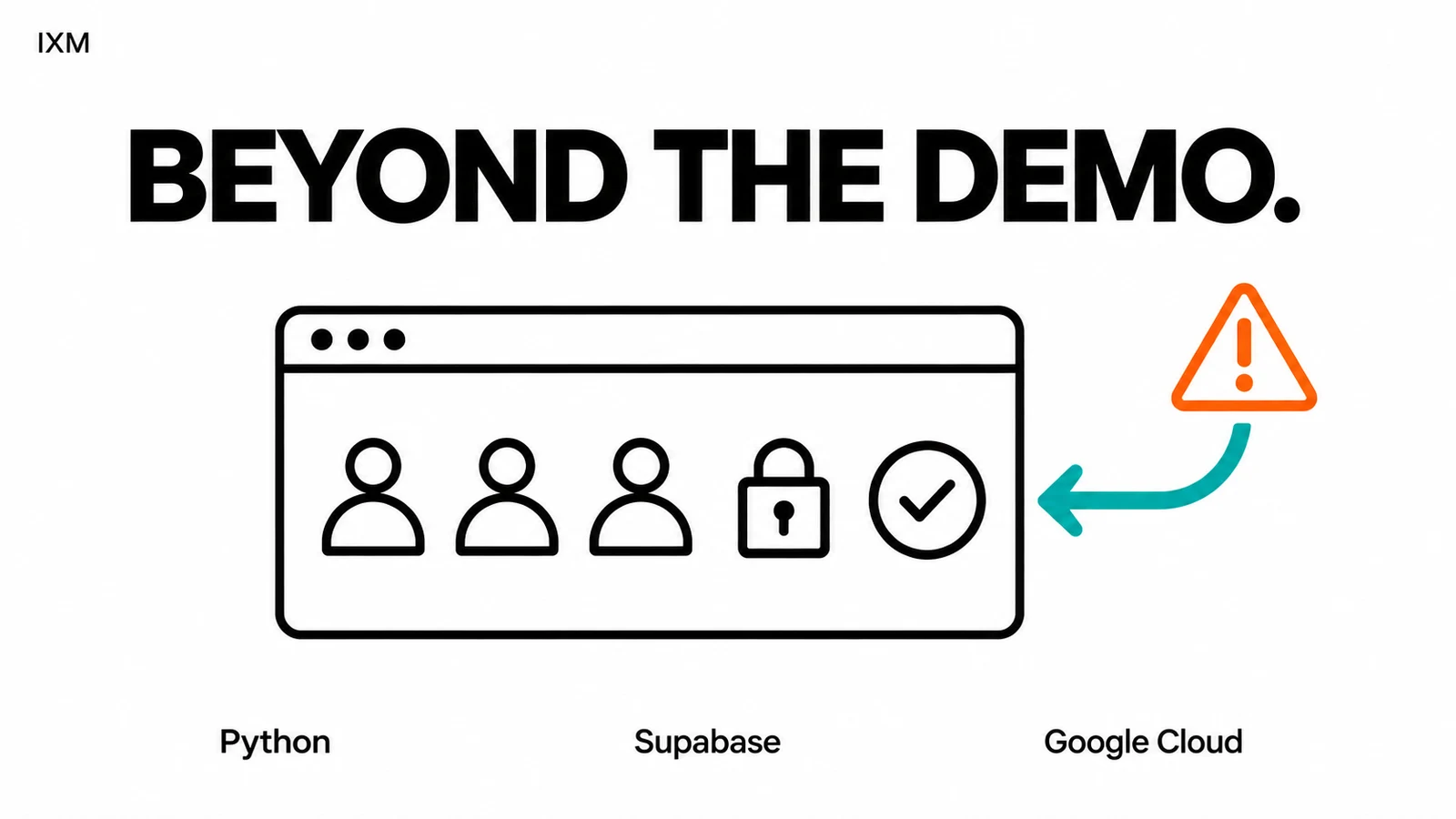
The demo worked. Then your employees logged in.
One user. Perfect data. Every button clicked in the right order. Demos get an easy life. Real software gets interrupted connections and the wrong file uploaded five minutes before closing.
Key takeaways
- A demo only shows the path being demonstrated.
- Permissions and recovery belong in the scope.
- Test with the people who will use it.
Ask the awkward questions early
Who can see which records? What happens if someone submits twice? Can a mistake be reversed? Who gets told when a connected service stops responding?
These questions affect how an application is built. Leaving them until launch makes them harder to answer.
There is more to a product than its homepage
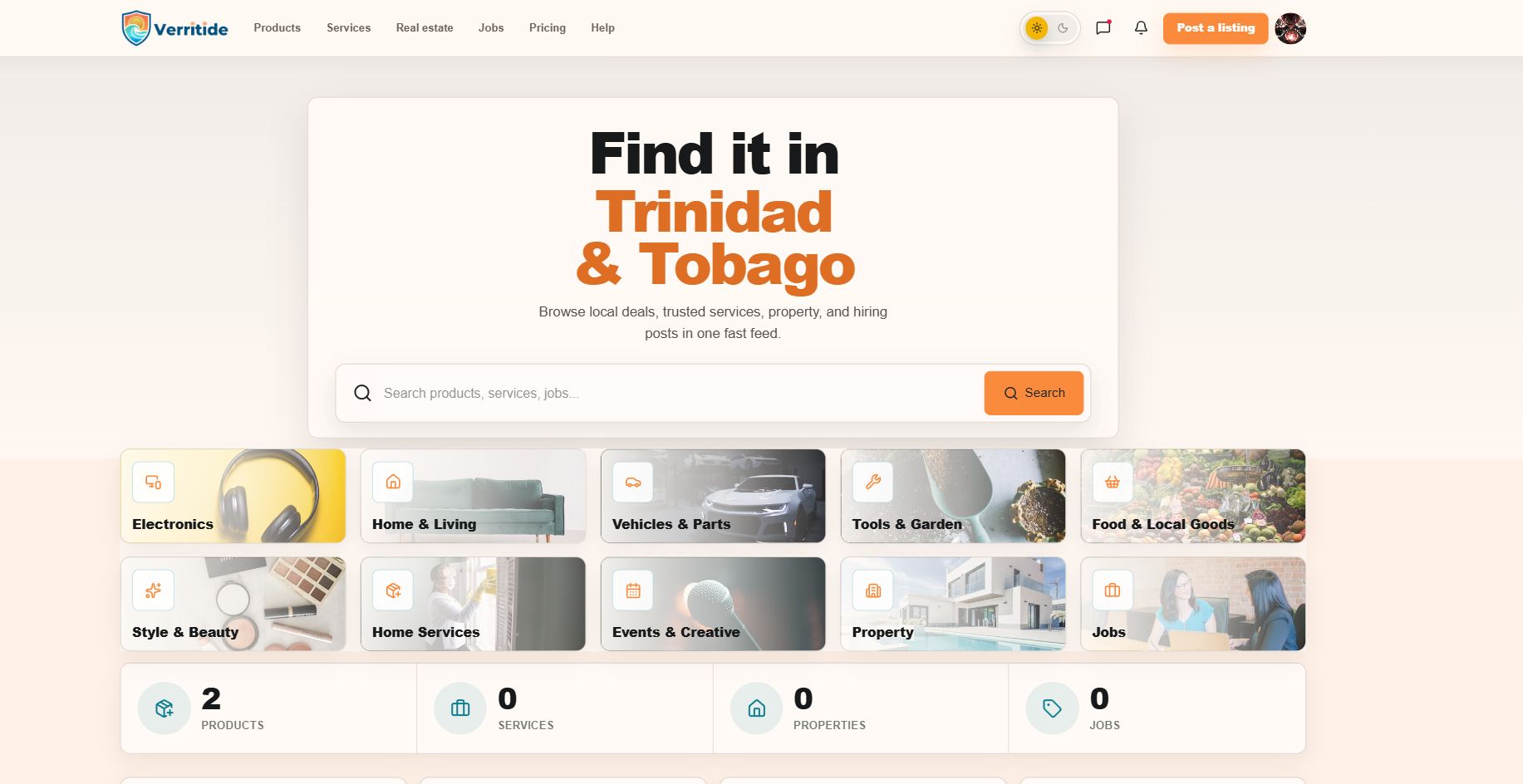
IXM's Verritide marketplace work includes search, listings, messaging, applications, public profiles, and moderation tools for Trinidad and Tobago. Each feature brings rules about who can do what.
Our Spartan Home Pros work also includes customer portal logic, dashboards, and API-connected workflows. The interface needs to fit the process behind it.
Buy the working process
When choosing a custom software or web application developer in Trinidad and Tobago, ask to walk through one complete task, including a mistake and its recovery. Bring the person who will do that task every day.
A working demo is a milestone. Ask your developer to show you what happens when something goes wrong.
Quick audit
- Can each role access only what it needs?
- What happens on a duplicate submission?
- Can the team recover from an ordinary mistake?