

Do you need custom software, or just a better spreadsheet?
The spreadsheet has thirty tabs and one person who understands it. You might need custom software. You might also need to stop using twenty-seven of those tabs.
Key takeaways
- Separate reporting from workflow problems.
- Measure manual work before deciding what to build.
- Start with one role and one useful task.
Keep the spreadsheet when it still fits
A small team working in one agreed file may only need clearer columns, protected formulas and someone responsible for keeping it usable.
Ask which tabs support a real decision. Archive unused material carefully, then see what is left. A smaller, well-kept file can be a perfectly sensible answer.
Separate looking from doing
A dashboard helps when people need to see existing information together. A custom application becomes more useful when they need to approve work, control access or move a task through several steps.
Describe one thing the user needs to do. 'See overdue jobs' and 'approve a job before payment' are different briefs, even if both end up with a chart on screen.
Bring a week of evidence
Record the repeated task, time spent and mistakes that required fixing. Compare that burden with the cost of building and maintaining a replacement.
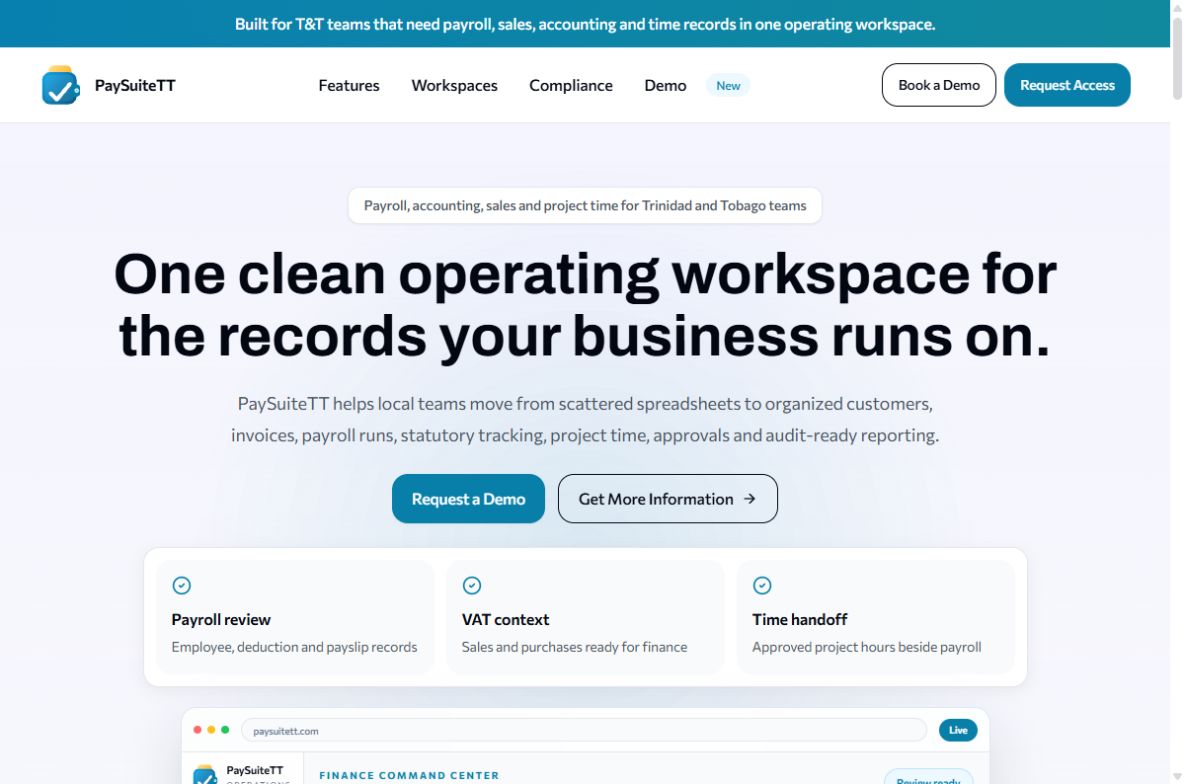
IXM builds custom software for businesses in Trinidad and Tobago, but the first recommendation may still be a better spreadsheet. The PaySuiteTT portfolio example above shows one end of the scale; your problem may need something much smaller.
Quick audit
- Is the problem mainly viewing information or taking action?
- Can simpler spreadsheet rules solve it?
- Who will use and maintain the replacement?
- Have you included ongoing costs?